Introduction
Slack is a cloud-based messaging platform that helps teams communicate and collaborate across projects and functions.
Slack includes the following key features:
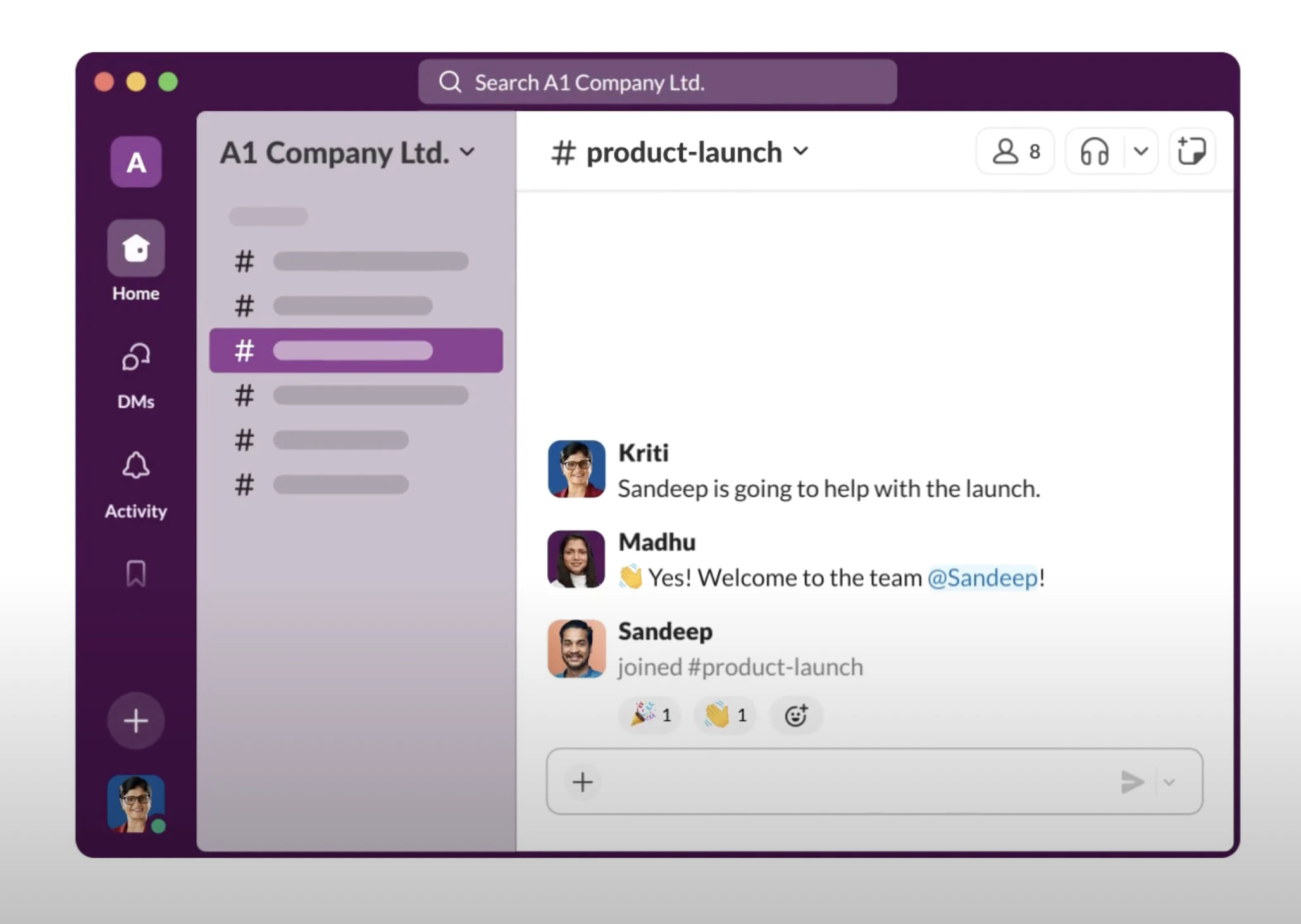
Channels: Dedicated spaces for organizing conversations by topic, project, or team. Public channels are open to all workspace members. Private channels restrict access to invited members.
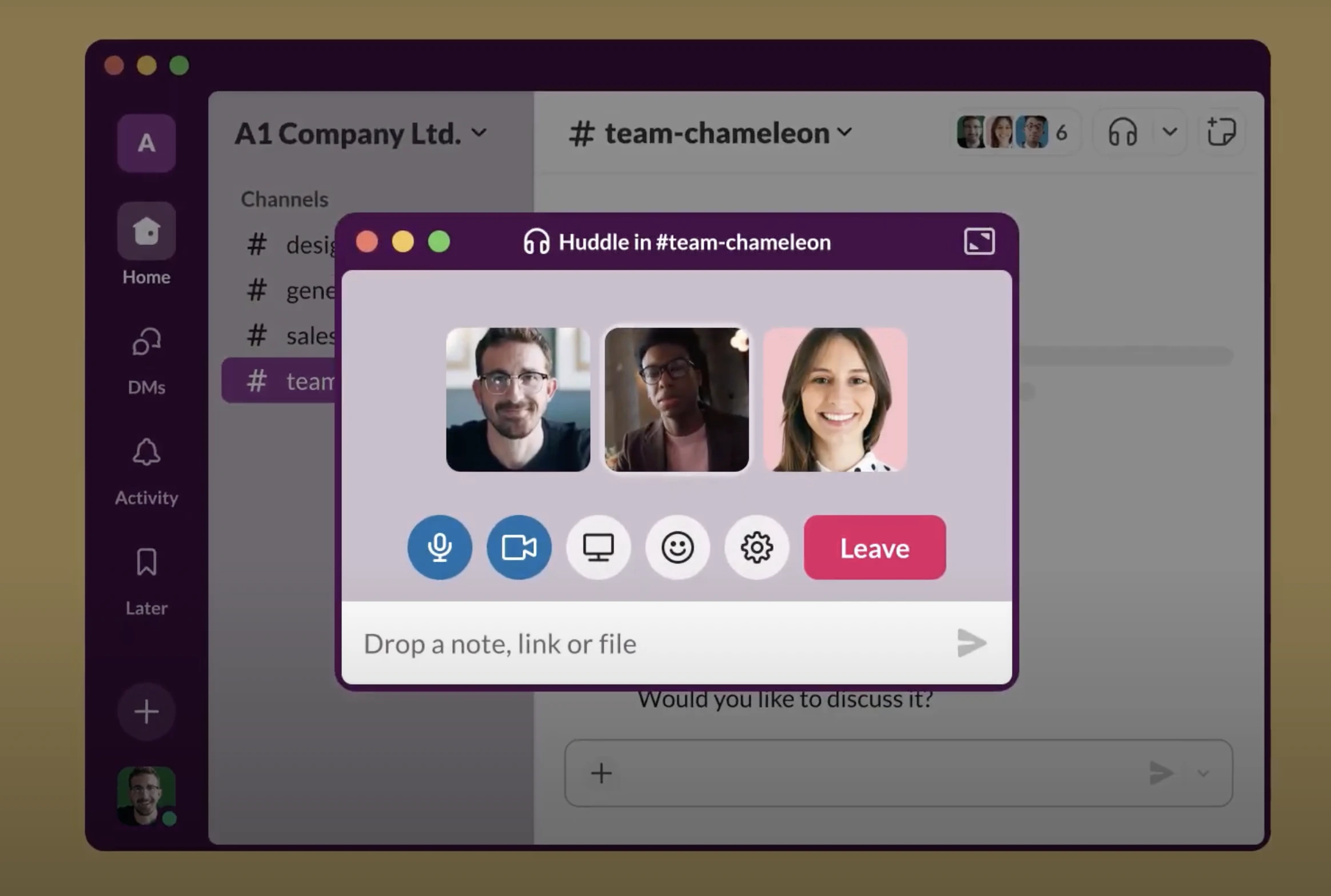
Huddles: Lightweight audio or video calls initiated from a channel or direct message, without scheduling a meeting.
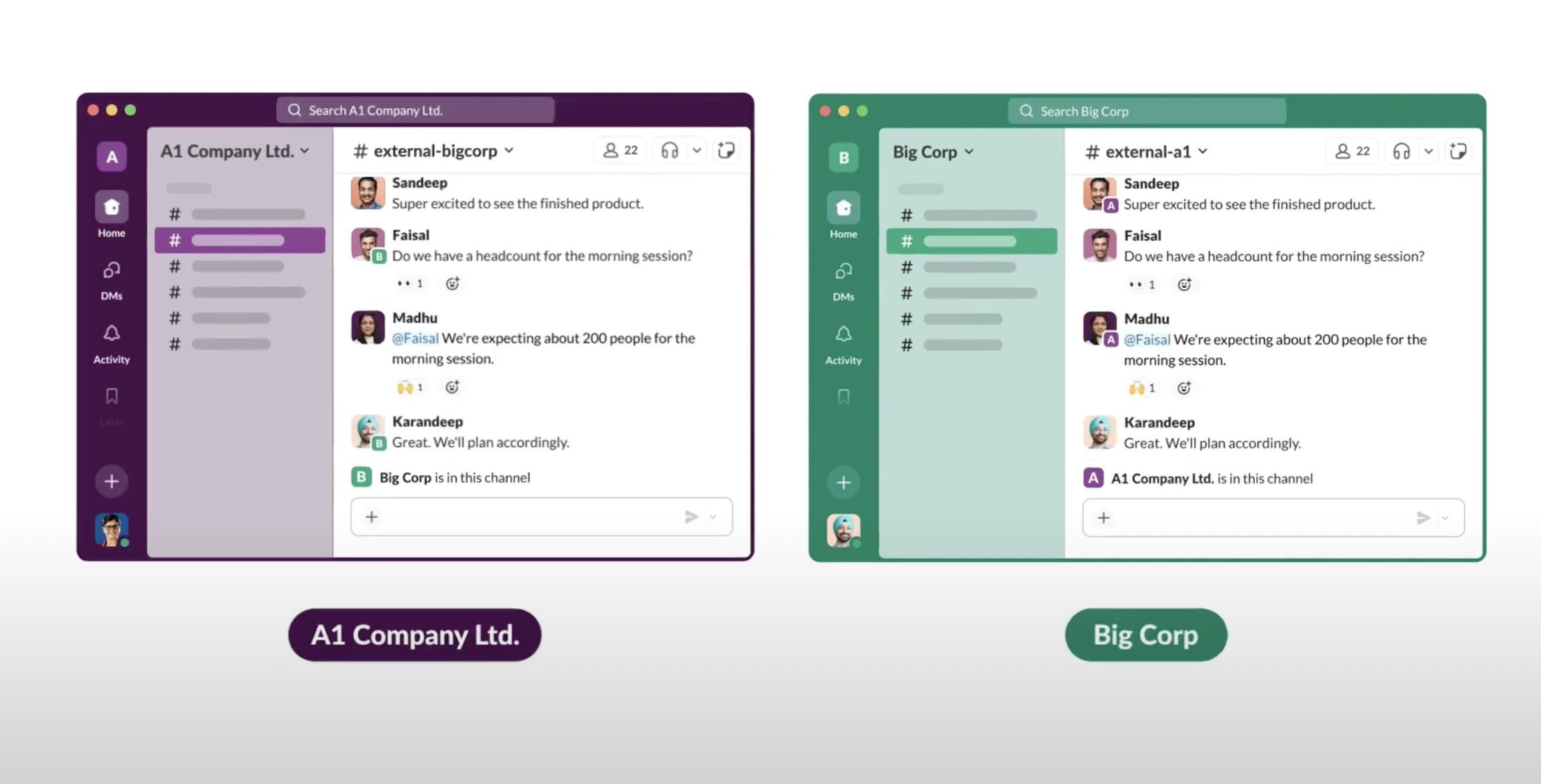
Slack Connect: Shared channels for collaborating with external organizations, partners, or vendors directly within your Slack workspace. Slack Connect requires all participating organizations to be on a paid Slack plan.
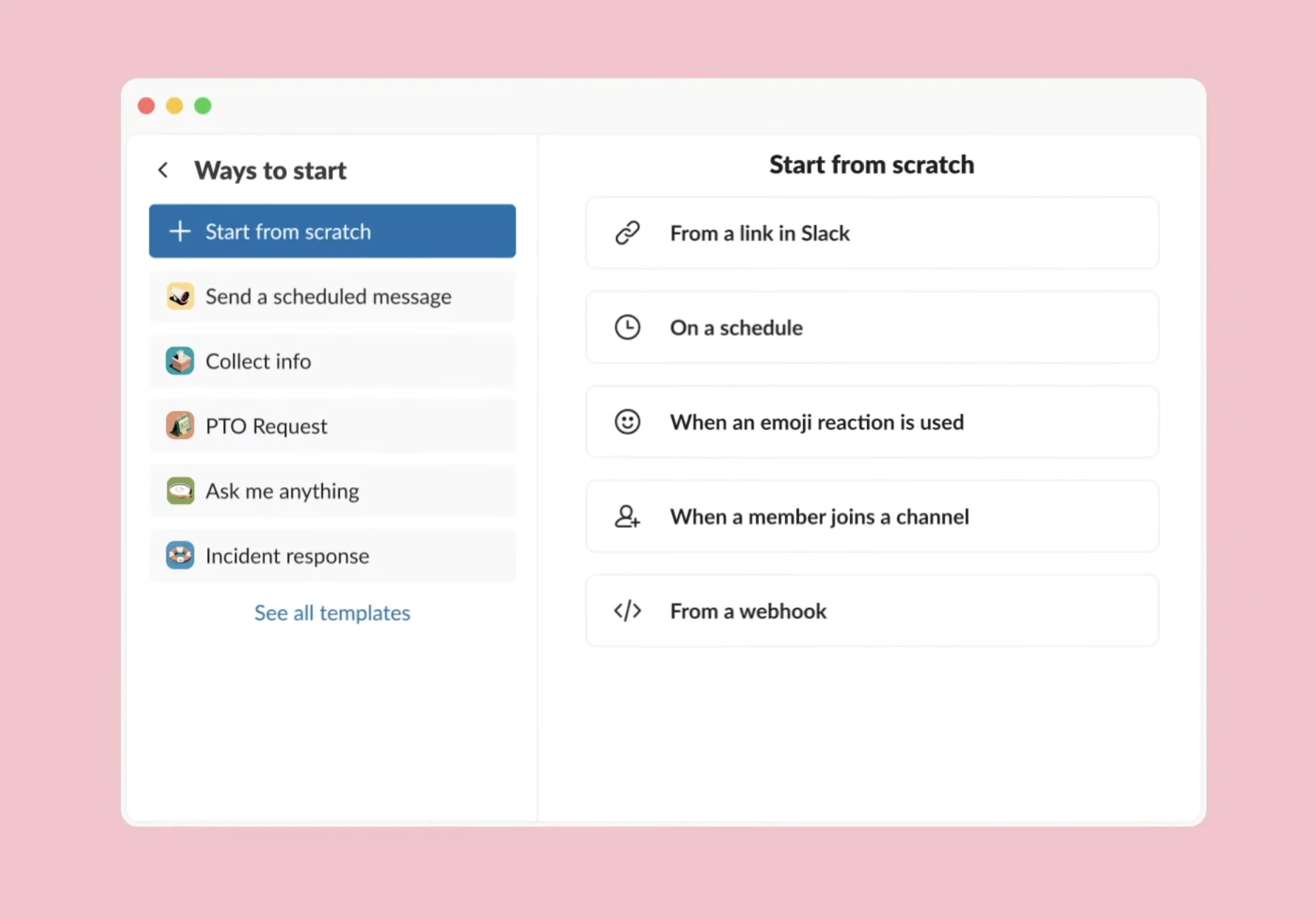
Workflow Builder: A drag-and-drop interface for building automated tasks and processes within Slack. Workflow Builder does not require coding.
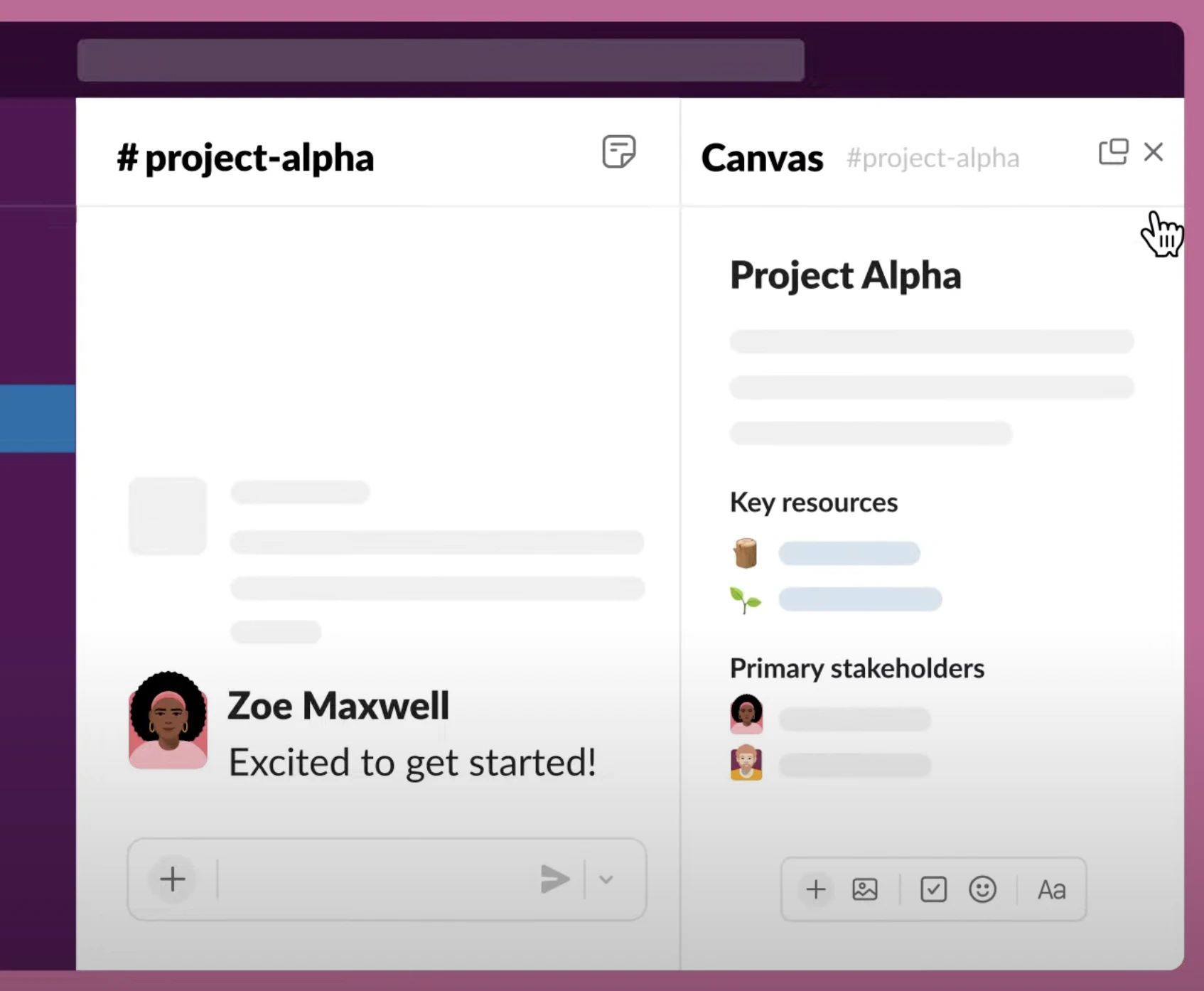
Canvas: Structured documents for centralizing and sharing team knowledge. Canvas is available within channels, direct messages, and as standalone pages that support text, files, and embedded workflows.
Feature spotlight: Canvas
Canvas is a document layer built into Slack where you can centralize information and share it with your team.
You can create a Canvas in any channel or direct message, or as a standalone document shared with specific team members. This makes Canvas useful for project documentation that a broad group needs ongoing access to.
Example: In a cross-functional project channel, use Canvas to publish the project plan, milestones, sprint updates, and action items. All stakeholders in the channel can view and reference this information without searching through messages.
Availability: All Slack plans include Canvas in channels. Canvas in direct messages and standalone canvases require a paid subscription.Last modified on April 9, 2026